Finds catalogue
OkeyHaul Spreadsheet Finds
Browse the spreadsheet catalogue by category. Shortlist similar finds, compare photos and QC context, then verify the live seller link before you order.
Popular categories
Shortlist workflow (do this)
Five minutes of method beats two hours of scrolling. Each popular category page carries QC must-lists and Bill 2 notes — use them before you open twenty tabs.
Step 1
Pick one type
Shoes with shoes. Hoodies with hoodies. Wrong peers → wrong size charts and wrong volume math.
Step 2
Compare three rows
Same option language, live price, domestic. Kill rows with dead W2C or missing charts immediately.
Step 3
Write QC angles
Before Bill 1, know what photos you will demand. Community QC count is not your unit.
Step 4
Budget two bills
Bill 1 = goods + domestics + fee/FX. Bill 2 = measured freight. Soft goods + boxes = volumetric shock.
What each popular lane cares about
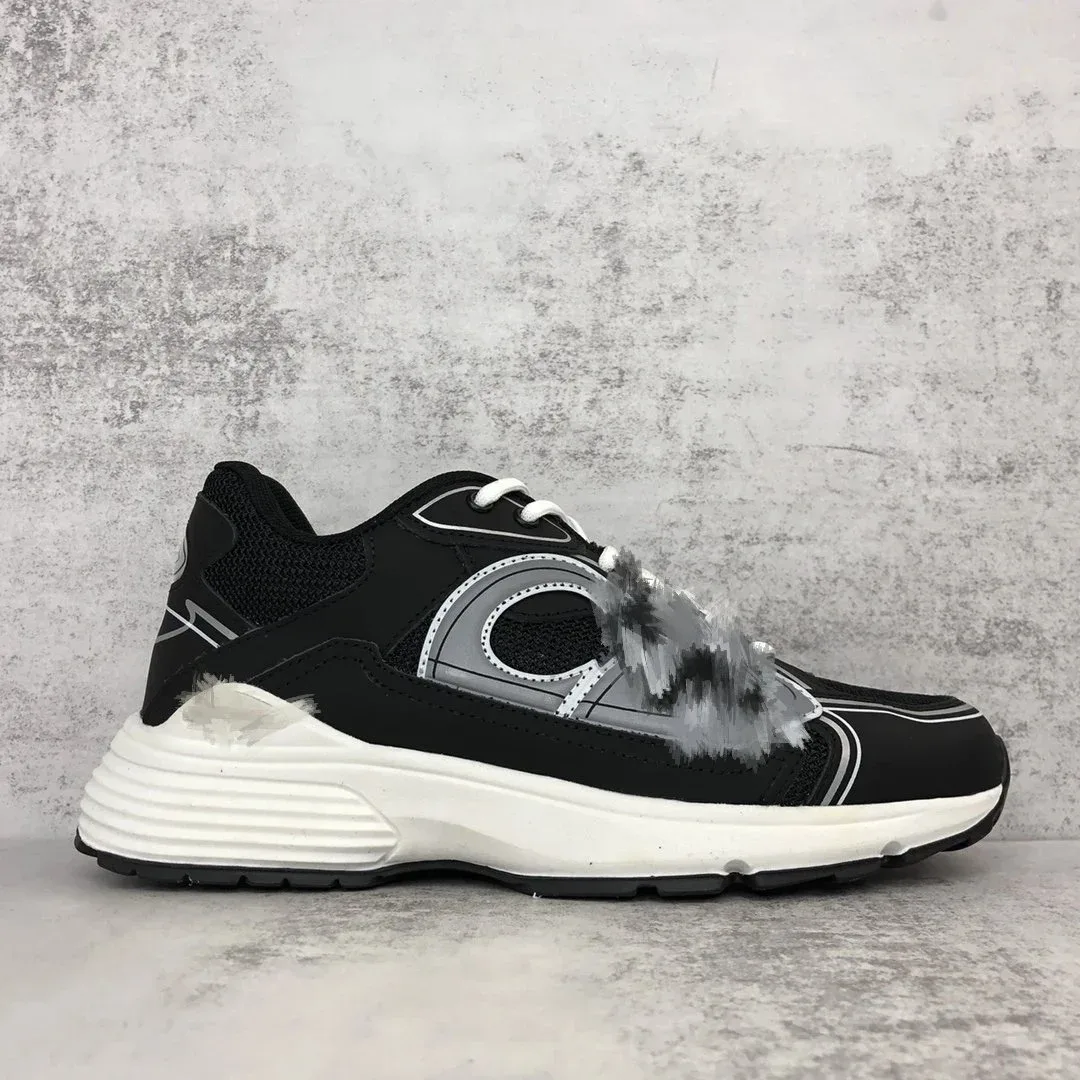
- Shoes
Identify the shoe type first, then lock the live size chart and purchase link before shortlisting.
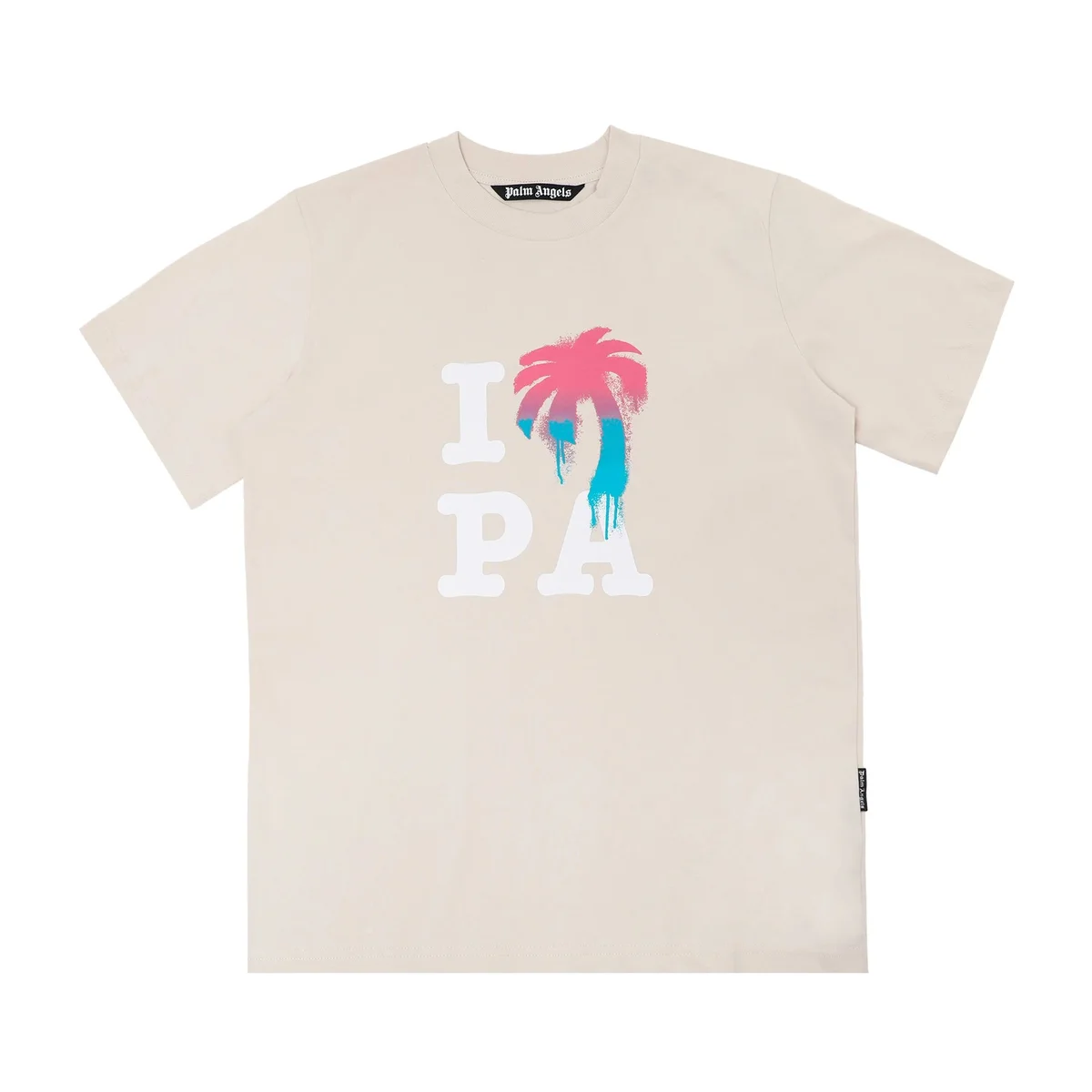
- T-Shirts
Cheap per unit, easy to over-order. MOQ and identical multiples can look commercial.
- Hoodies
Hoodies teach volumetric billing: light on the scale, huge in the box. Measure twice, compress only if fabric allows.
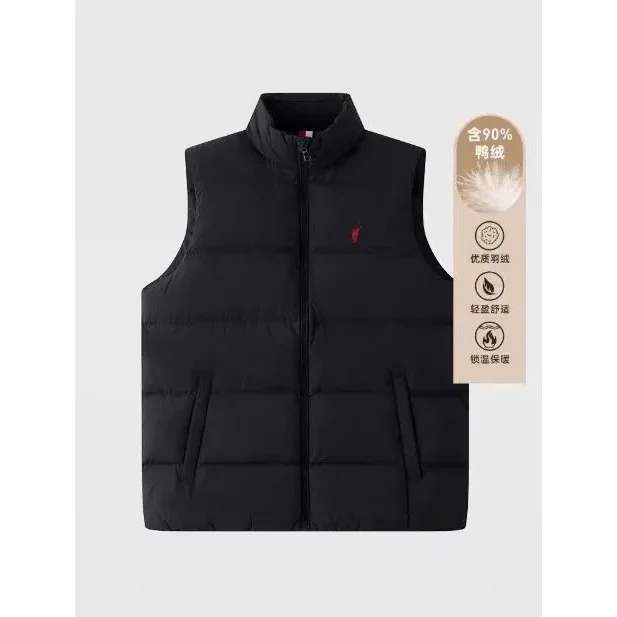
- Jackets
Jackets are billed on space. One shell can outprice three flat denim pairs on the same route.
- Pants
Jeans are dense and flat — they set scale weight more than volume. Charts beat vanity sizing.
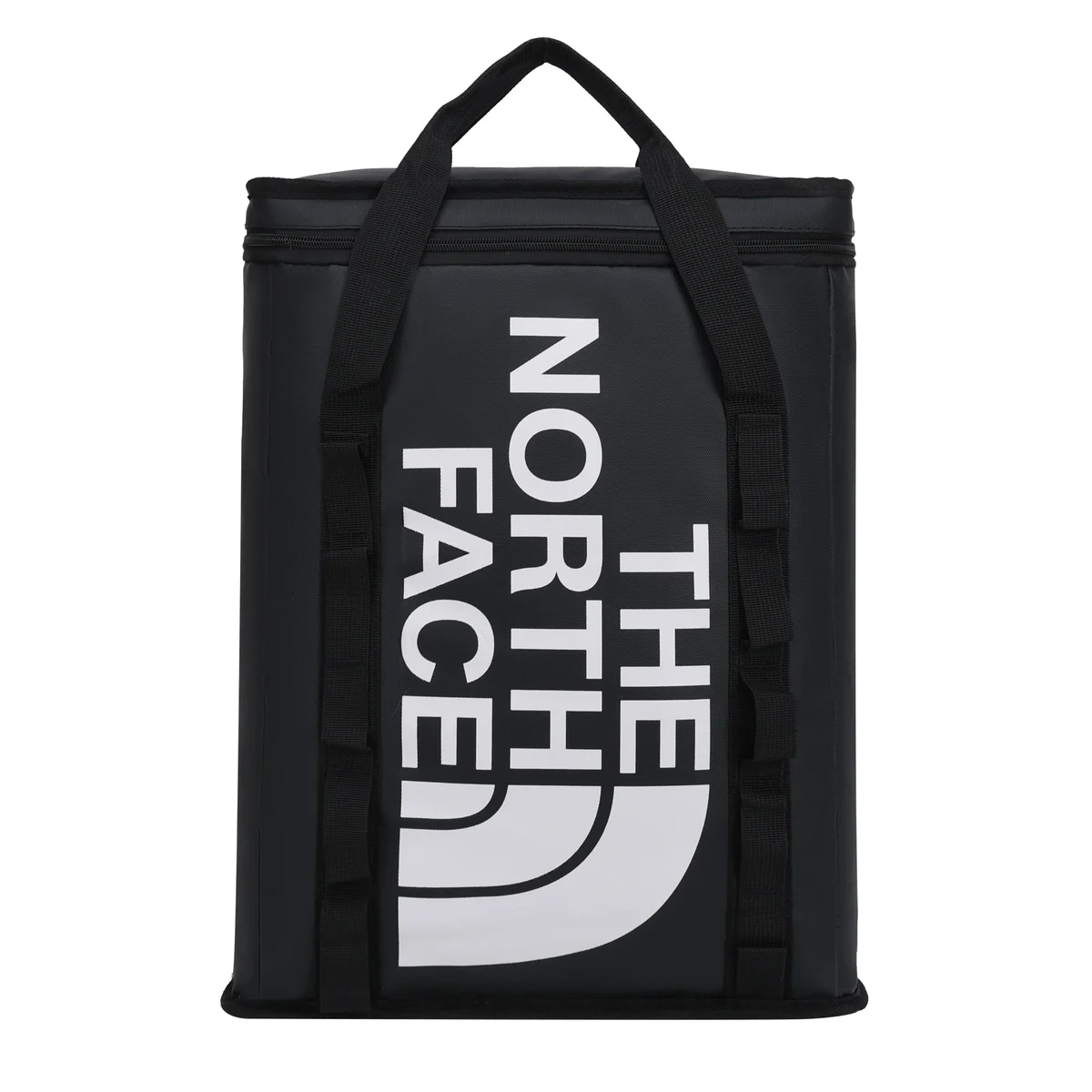
- Bags
Bags get opened more often than sealed smalls. Hardware is visual — not function-certified.
All categories
10 storefront lanes — counts are this site’s local sample.

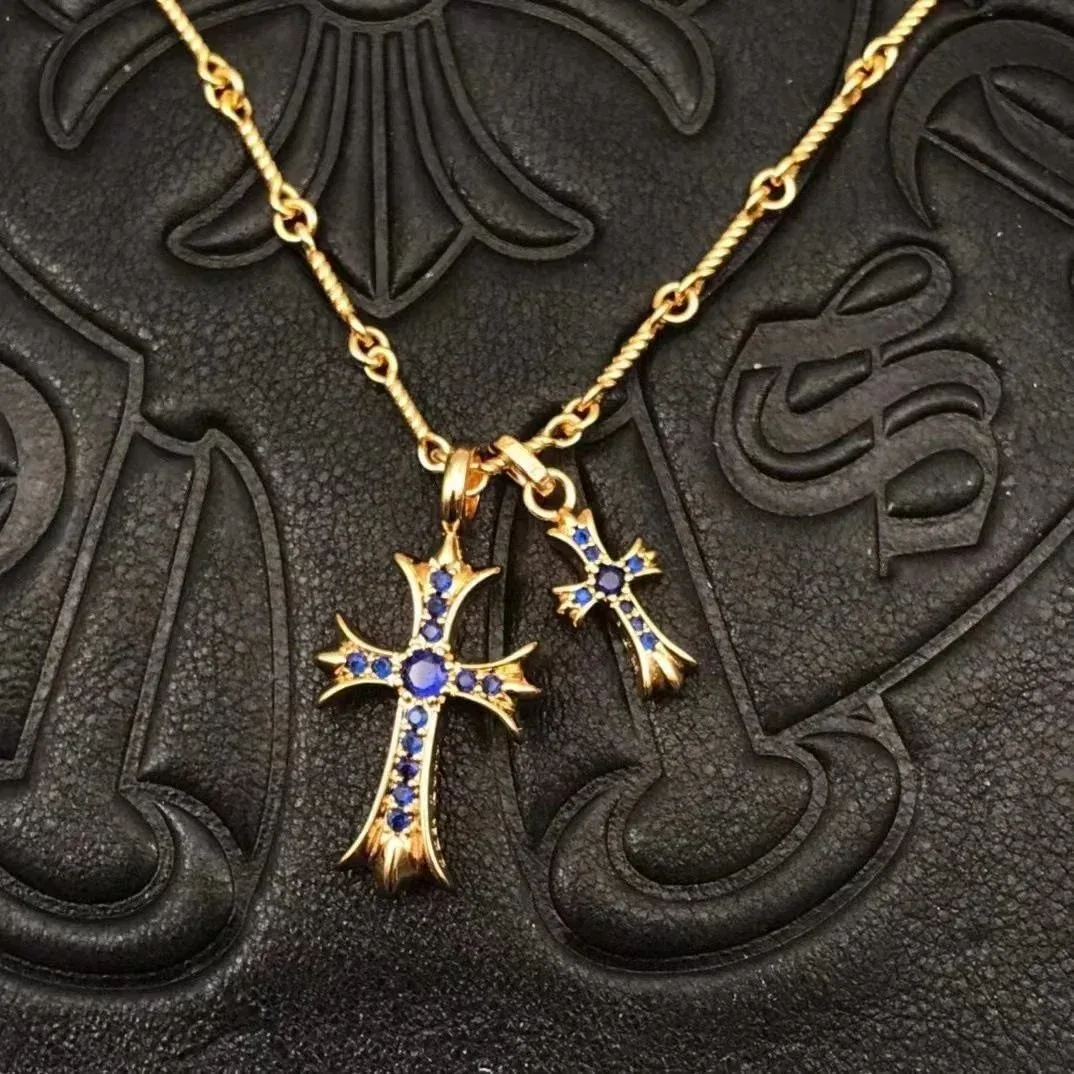


Popular OkeyHaul finds
A sample of high-signal rows — open a card to continue ordering.
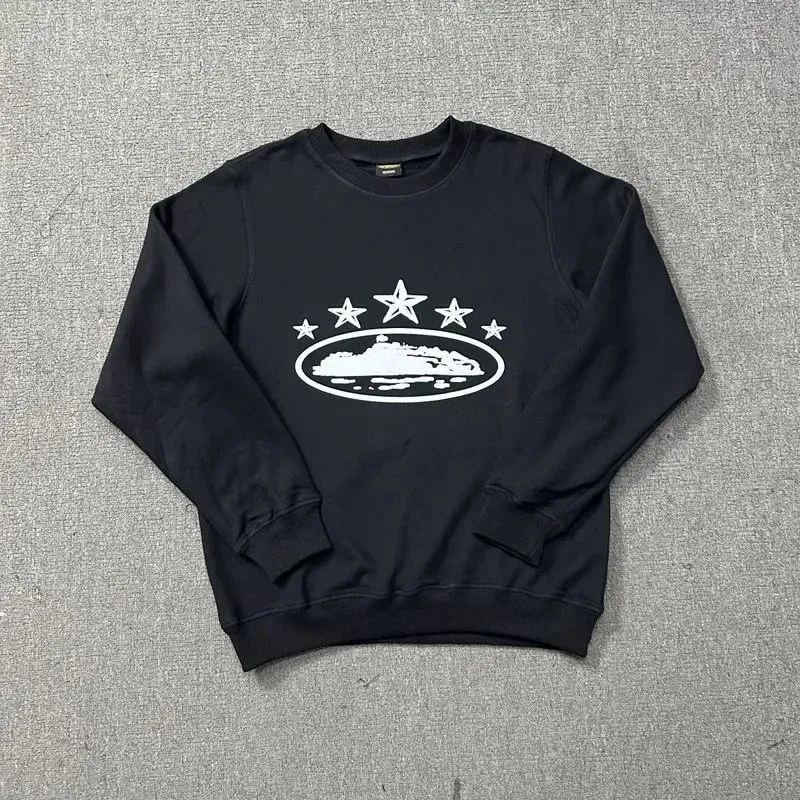
Black Crewneck Sweatshirt with Star & Ship Graphic
~$40
589 QC

Alo粉白色长袖运动上衣
~$23
45 QC

Burberry Black Hooded Parka
~$75
45 QC
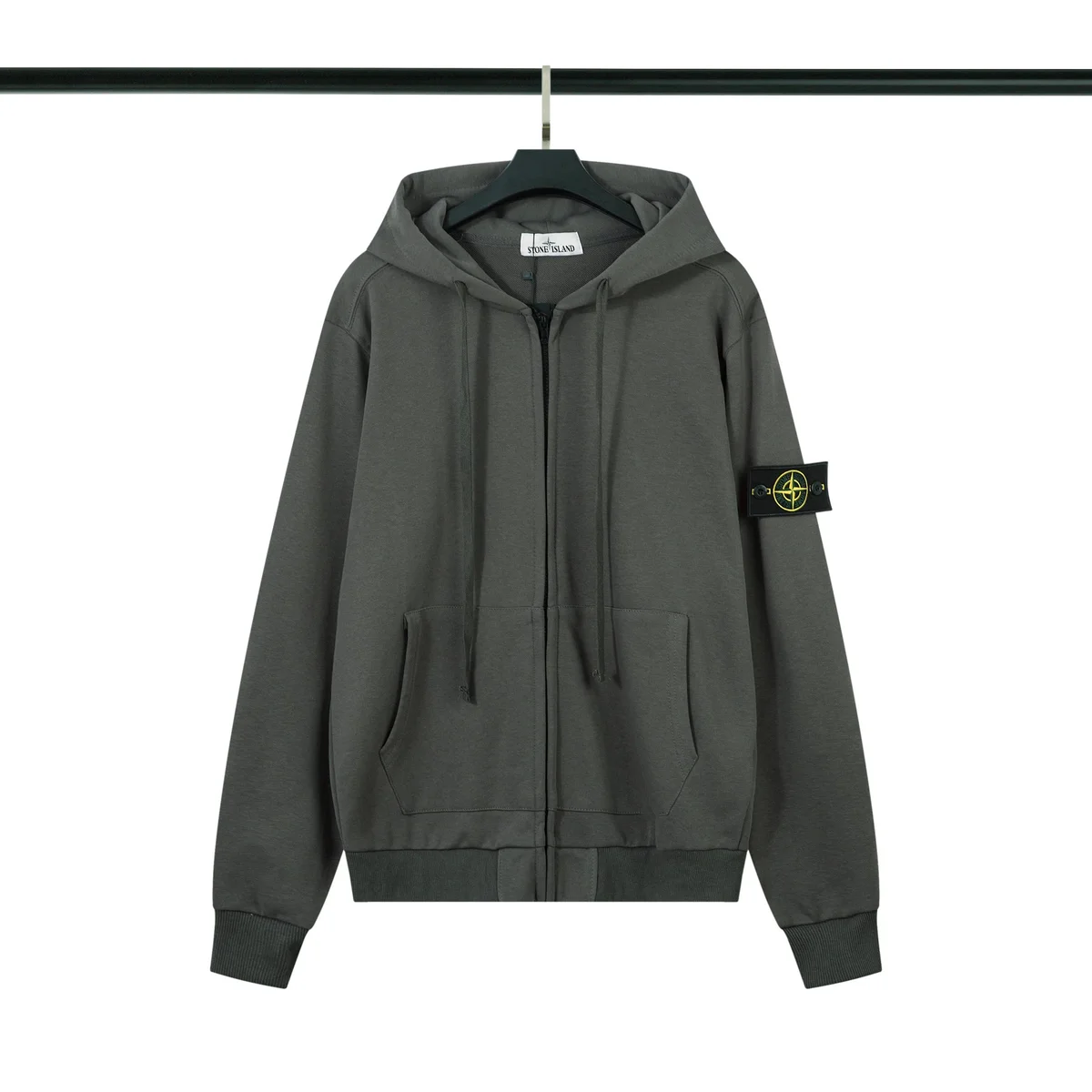
Stone Island 68-15 Dark Grey Hoodie
~$27
55 QC

Canada Goose Chilliwack Navy Blue Parka
~$111
62 QC
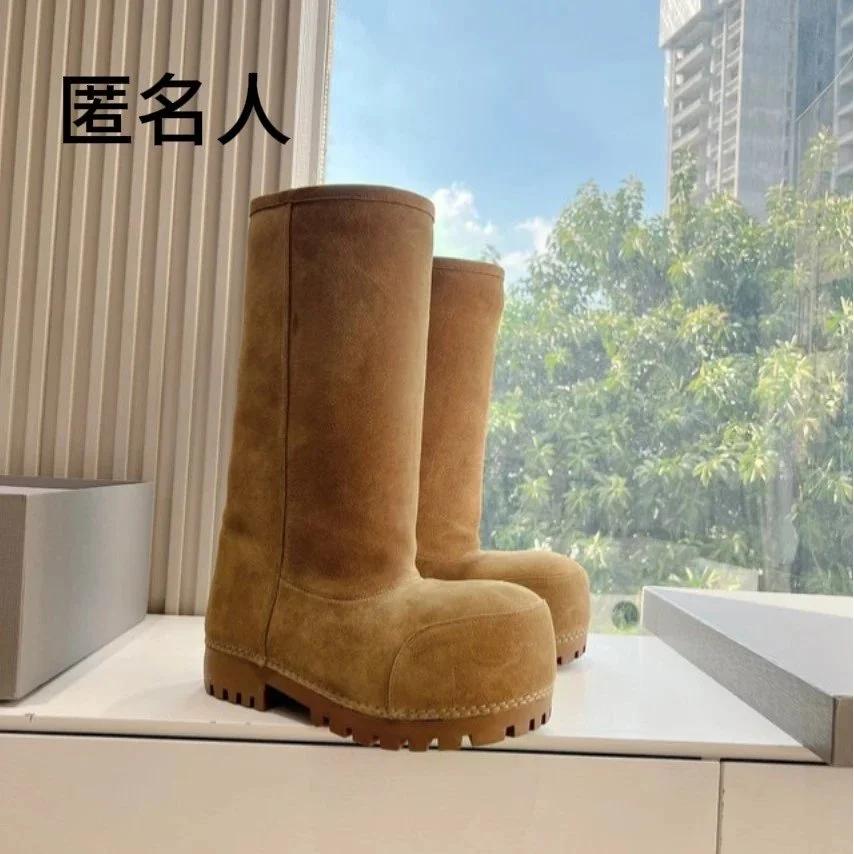
Unisex Suede High-Top Boots Chestnut
~$117
451 QC
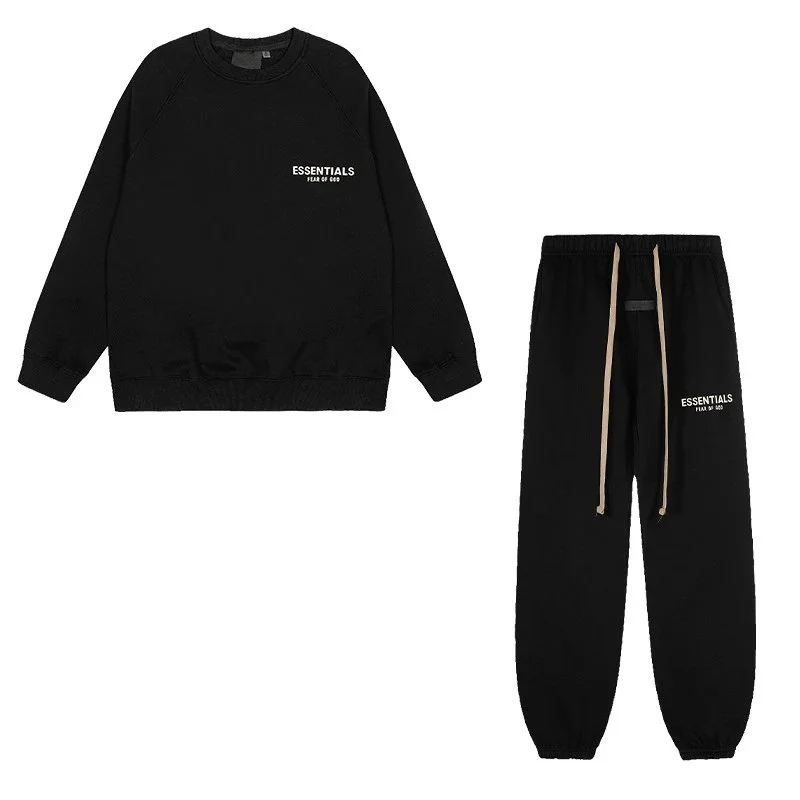
Fear of God Essentials Black Round Neck Set
~$40
122 QC

Burberry TB Monogram Black T-Shirt & Shorts Set
~$37
64 QC
Why start with a category?
- Cut noise. One product type means every saved row is answering roughly the same question.
- Compare fairly. Price, photos, sizing and weight are more useful beside similar finds than in a mixed feed.
- Spot gaps. Missing charts or vague options stand out when rows sit side-by-side — then use the QC guide before you ship.
Finds FAQ
What are OkeyHaul spreadsheet finds?+
Category-organised product rows — photos, reference prices, QC counts where available. Discovery leads only: not live stock, not a QC certificate, not landed cost. Counts on this site are the local sample, not the full MaisonLooks catalogue.
Why browse by category first?+
Mixed feeds compare the wrong evidence. Shoes need charts + soles; hoodies need chest + volume; electronics need seal/model checks. Like-with-like, then verify W2C.
Row shows 40 QC photos — safe to skip warehouse QC?+
No. Those are other units. Your leverage is the gallery on your purchase order inside storage. See /qc.
Do I order on this finds page?+
No. Open a find / category to continue purchasing, warehouse QC and shipping in the order flow. Use the Guide for the full sequence.
How do I avoid stacking five domestics?+
Prefer multiple finds from one seller when the W2C allows. Consolidation fixes international bases — not five China-side legs into the warehouse.